
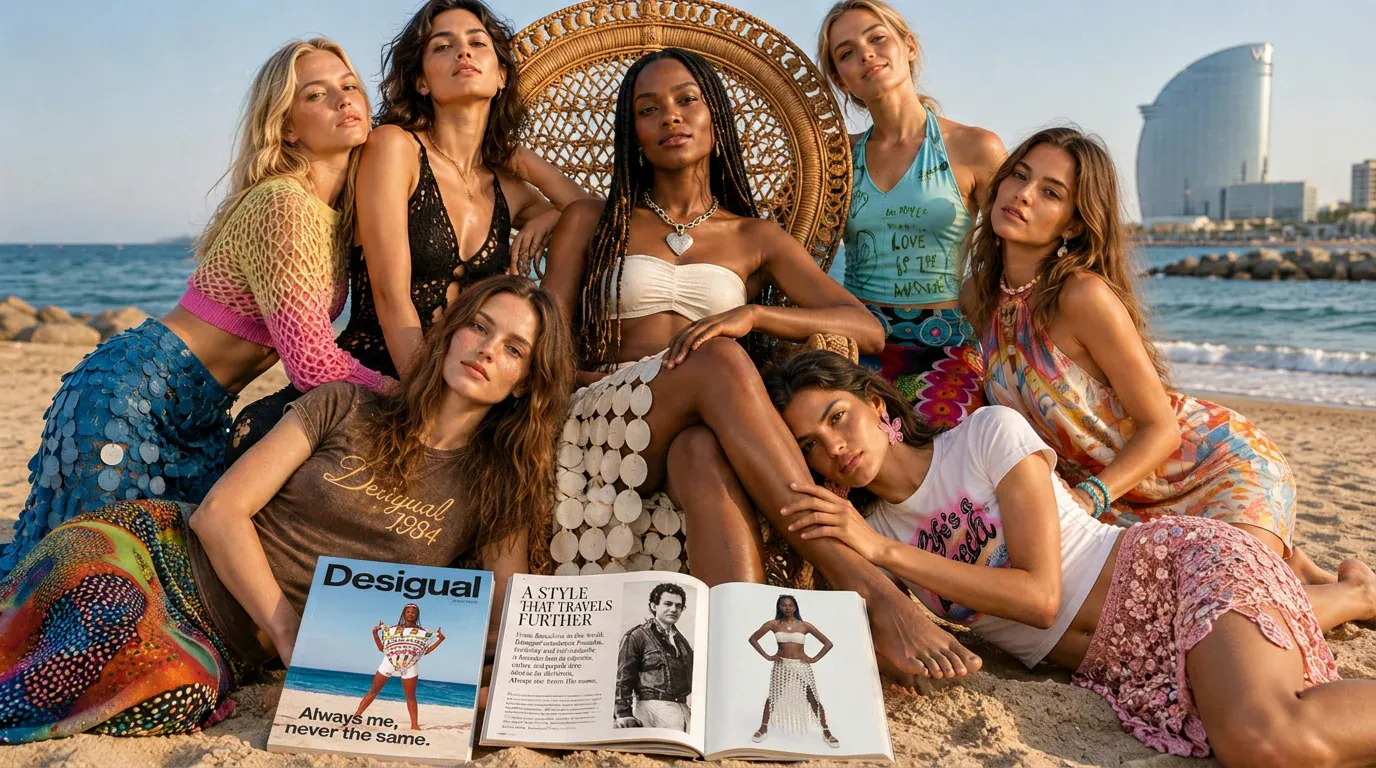
ALWAYS ME. NEVER THE SAME
An AI Content case study by Javier Amaya, Rapid Stories AI.
The use case at a glance
- The brief
- How could Desigual use AI as a creative co-creator and keep its identity unmistakably its own? AI had to raise creative freedom while Desigual kept creative control.
- The approach
- Start at the brand's origins: archive photos, early garments and the 1995 beach campaign, restored and treated as living brand memory. Then bridge to 2026 with product references, character sheets, locations and styling, under one concept: Always Me. Never the Same.
- Tools
- Magnific, GPT 2.5, Nano Banana 2, Veo 3.1, Kling 3.0, Seedance 2.5, Adobe Creative Cloud
- The result
- A coherent family of campaign photography, brand-film sequences, product imagery, heritage restorations, social assets and localized variations, all from one creative foundation.
TRANSFORMING DECADES OF BRAND MEMORY INTO A NEW AI-POWERED CREATIVE UNIVERSE
THE BRIEF
LET AI EXPAND THE IDEA, NOT DEFINE THE BRAND
The project began with a question: how could Desigual use AI as a creative co-creator while keeping its identity unmistakably its own?
AI could accelerate exploration, multiply formats, and open unexpected visual directions. But more possibilities can quickly create inconsistency. Products can change between images, characters can lose their identity, and the energy of a brand can become generic.
The goal was clear. We needed to build a system where AI increased creative freedom while Desigual retained creative control. Every generation had to begin from shared references, products, recognizable characters, and a visual language. The technology would help us move faster, but human direction would decide what felt right.
THE CREATIVE PROCESS
A BRAND REMEMBERS HOW IT MADE US FEEL
We started at the beginning, returning to Desigual’s origins and the creativity of founder Thomas Meyer. We explored archival photographs, early garments, campaigns, and the bold, playful attitude that made the brand different from its first years.
The 1995 beach campaign became a central reference. Its protagonist, styling, sunlight, and joyful confidence carried more than a period look; they carried emotion. We restored and enhanced those assets, then treated them as living brand memory rather than museum pieces.
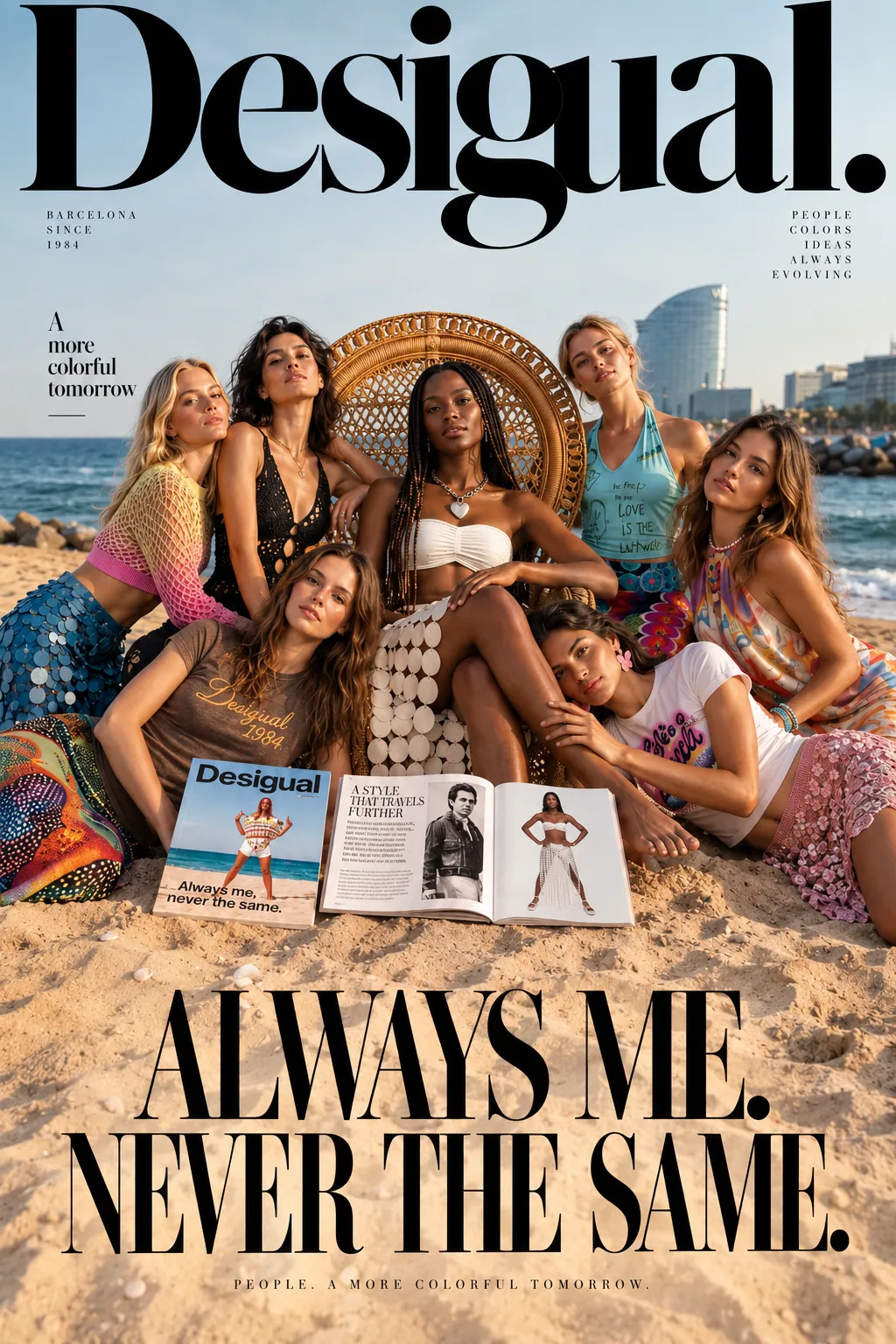
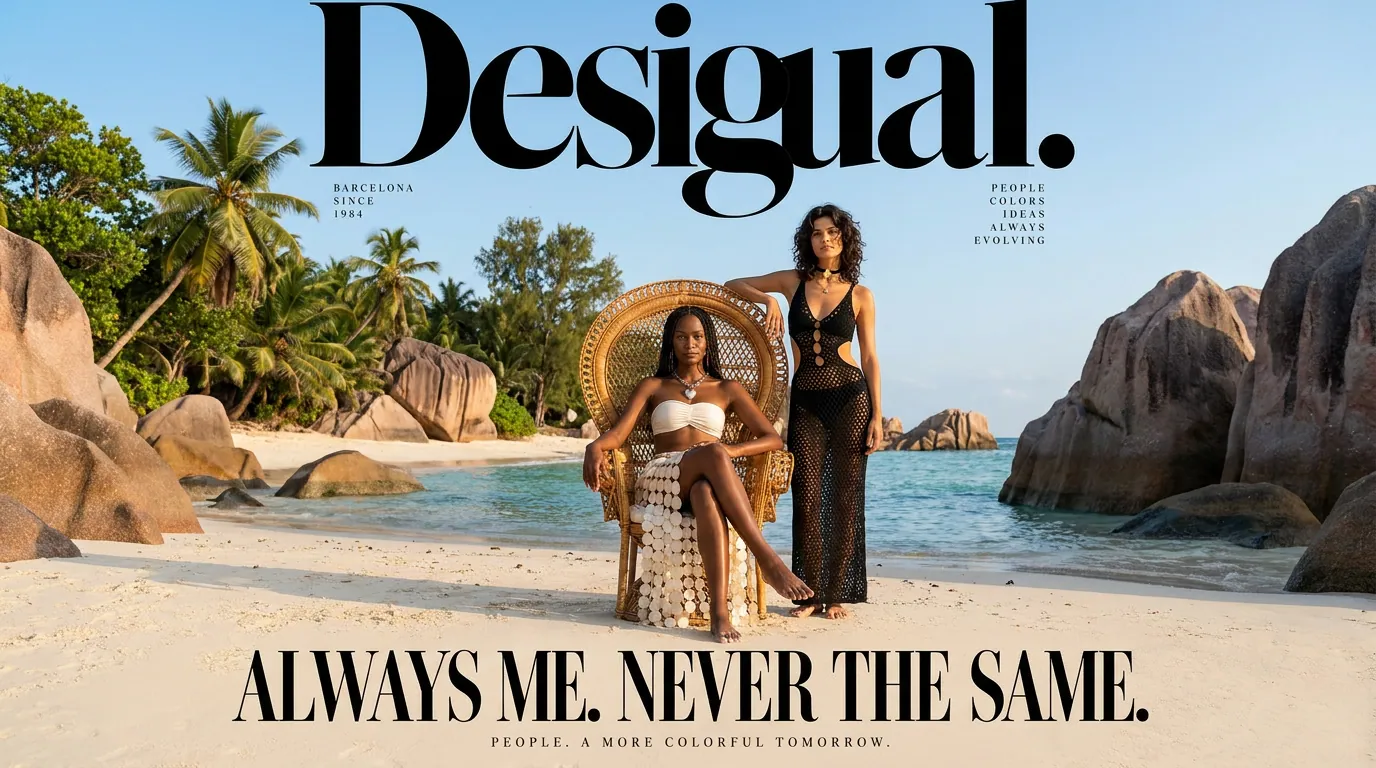
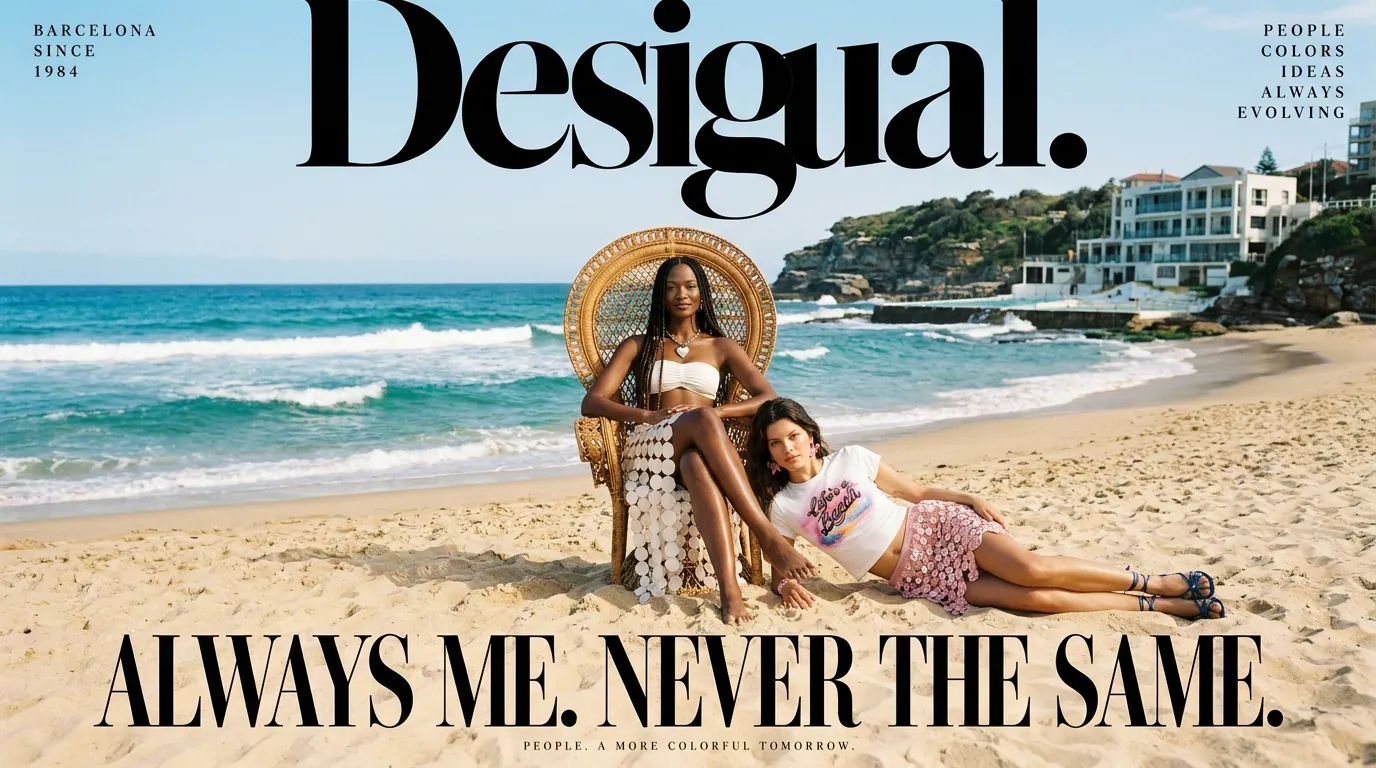
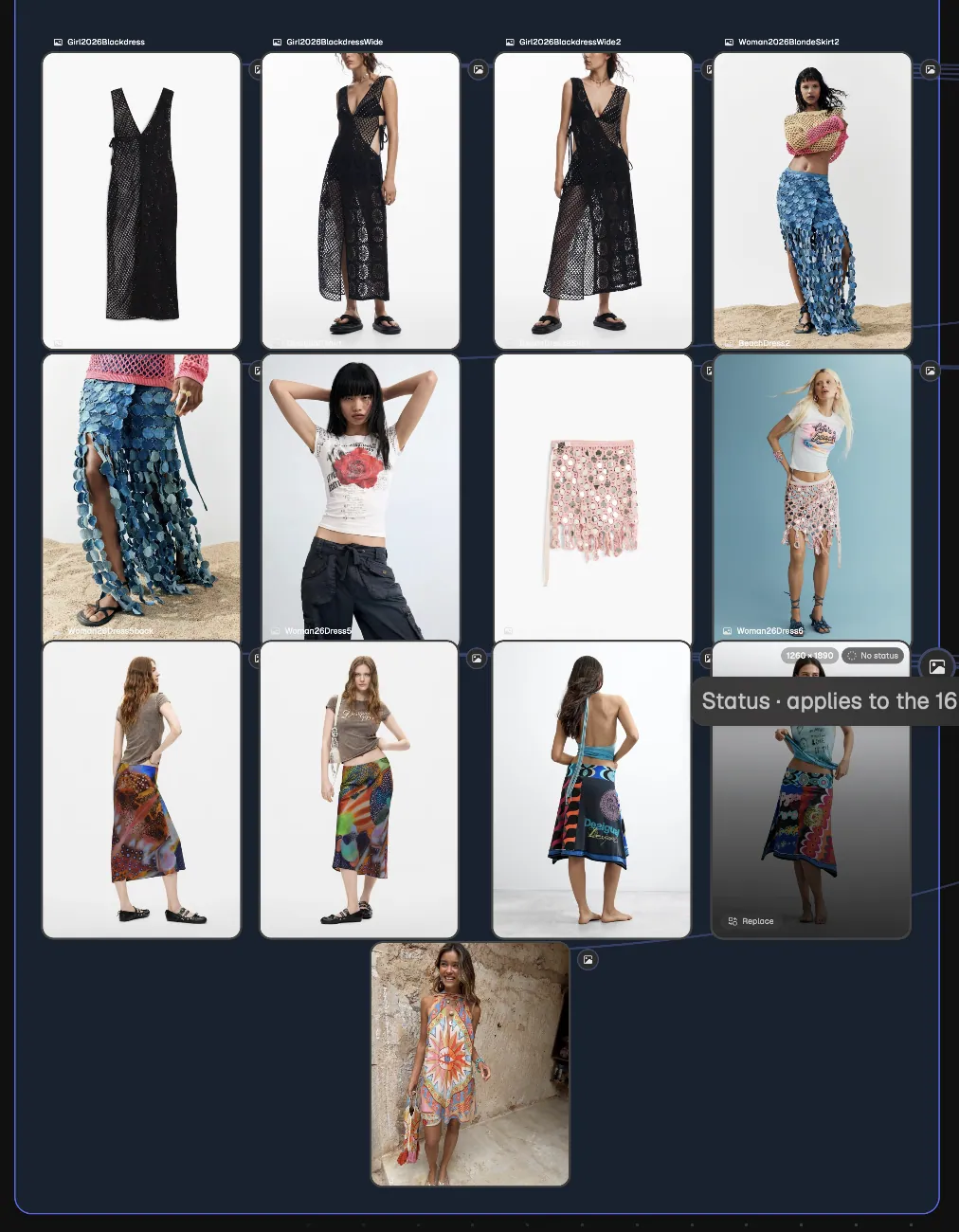
From there, we built a bridge to 2026. The protagonist evolved into the present, while new models and the latest collection entered the same Barcelona universe. Product references, character sheets, locations, styling, and campaign cues created consistency across every scene.
This connection between generations shaped the concept: Always Me. Never the Same. It is about identity in transformation, the way people, fashion, culture, and technology keep changing while something essential remains. It also brings together audiences who have loved Desigual for decades and those discovering it now, through a shared feeling of freedom, colour, and self-expression.
Image References & Heritage
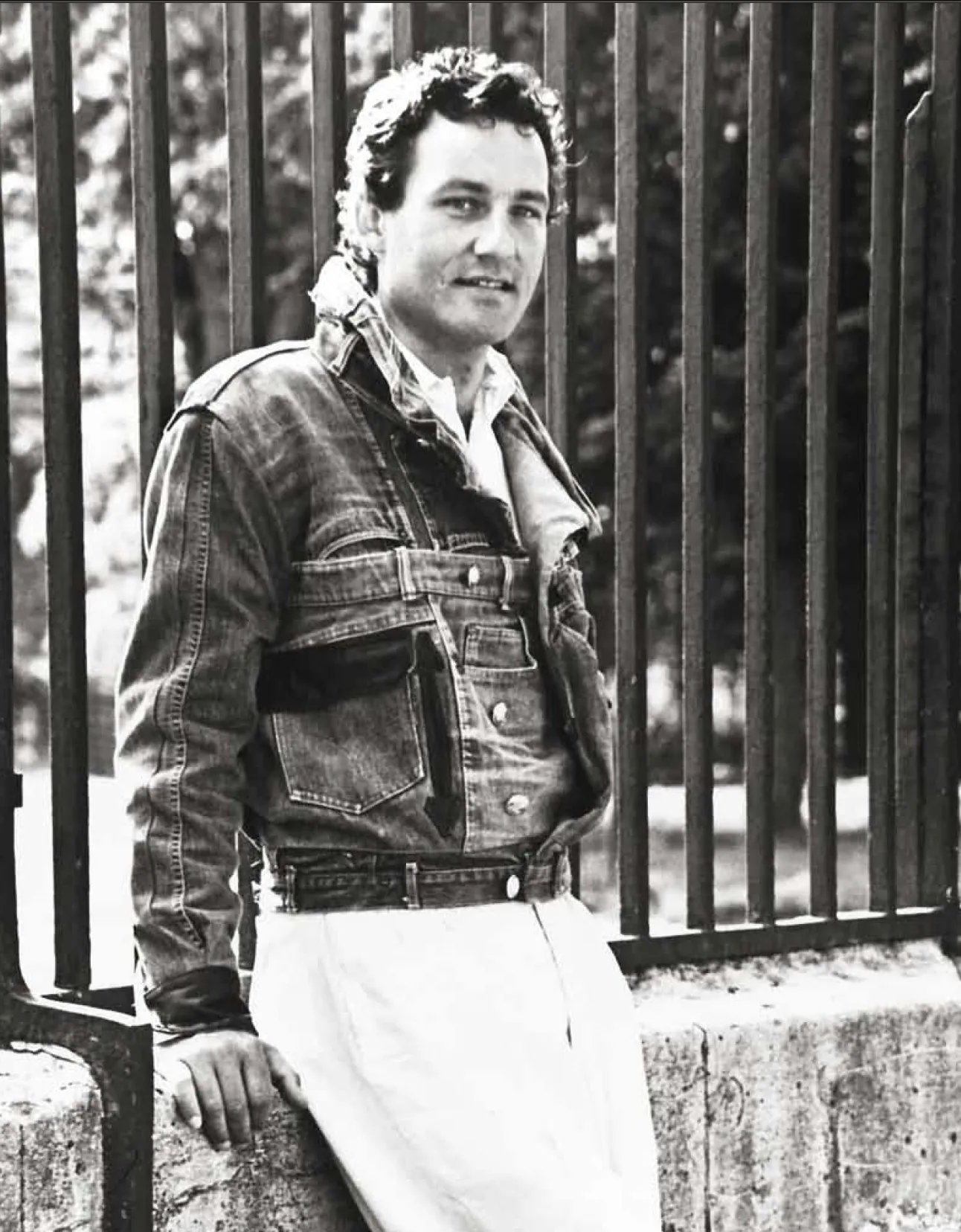
Thomas Meyer, Founder of Desigual in 1984
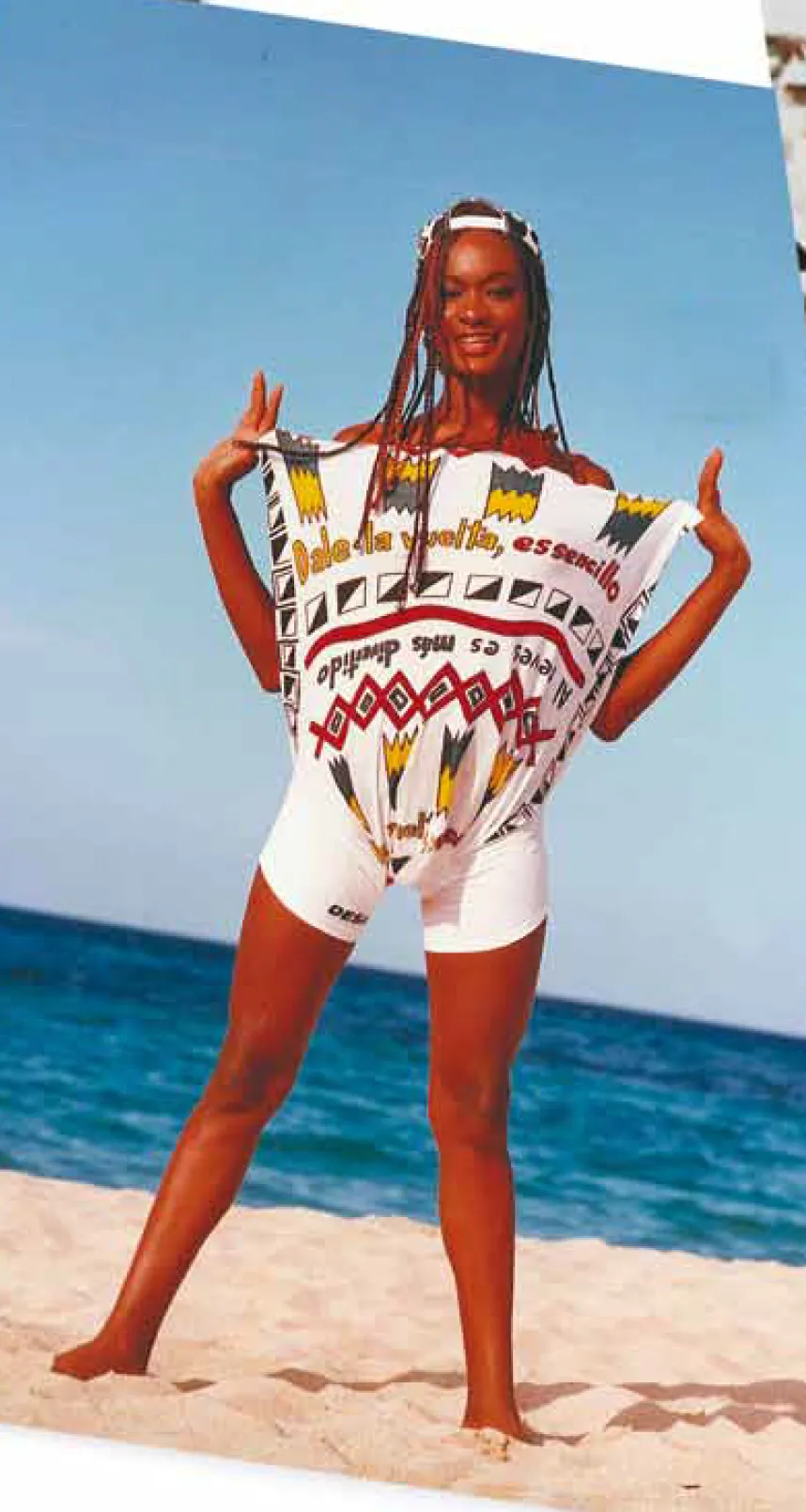
Iconic Desigual Campaign 1995
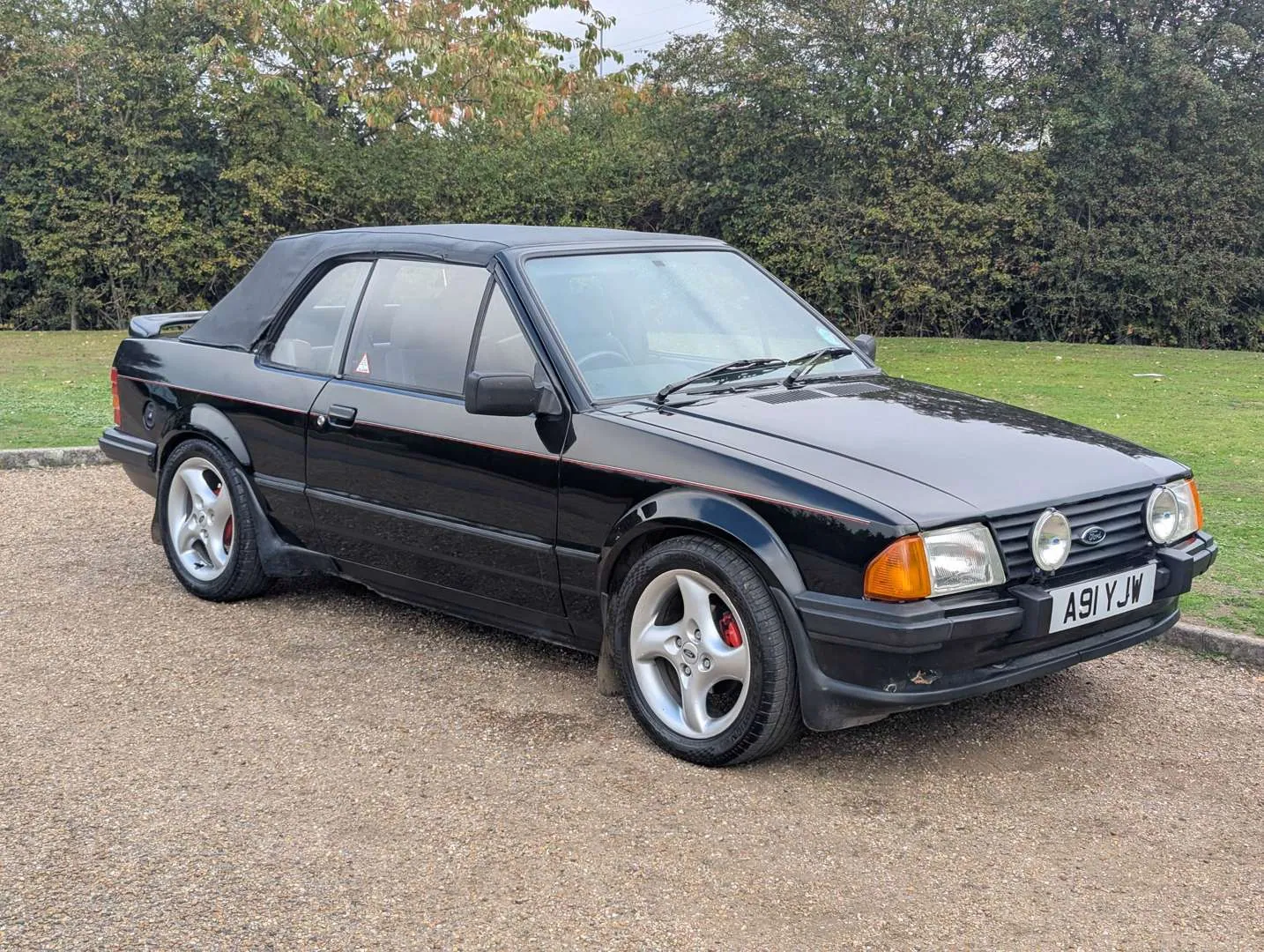
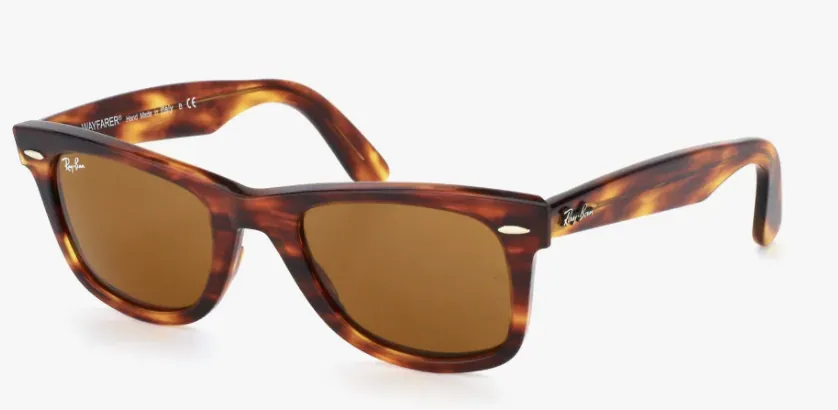
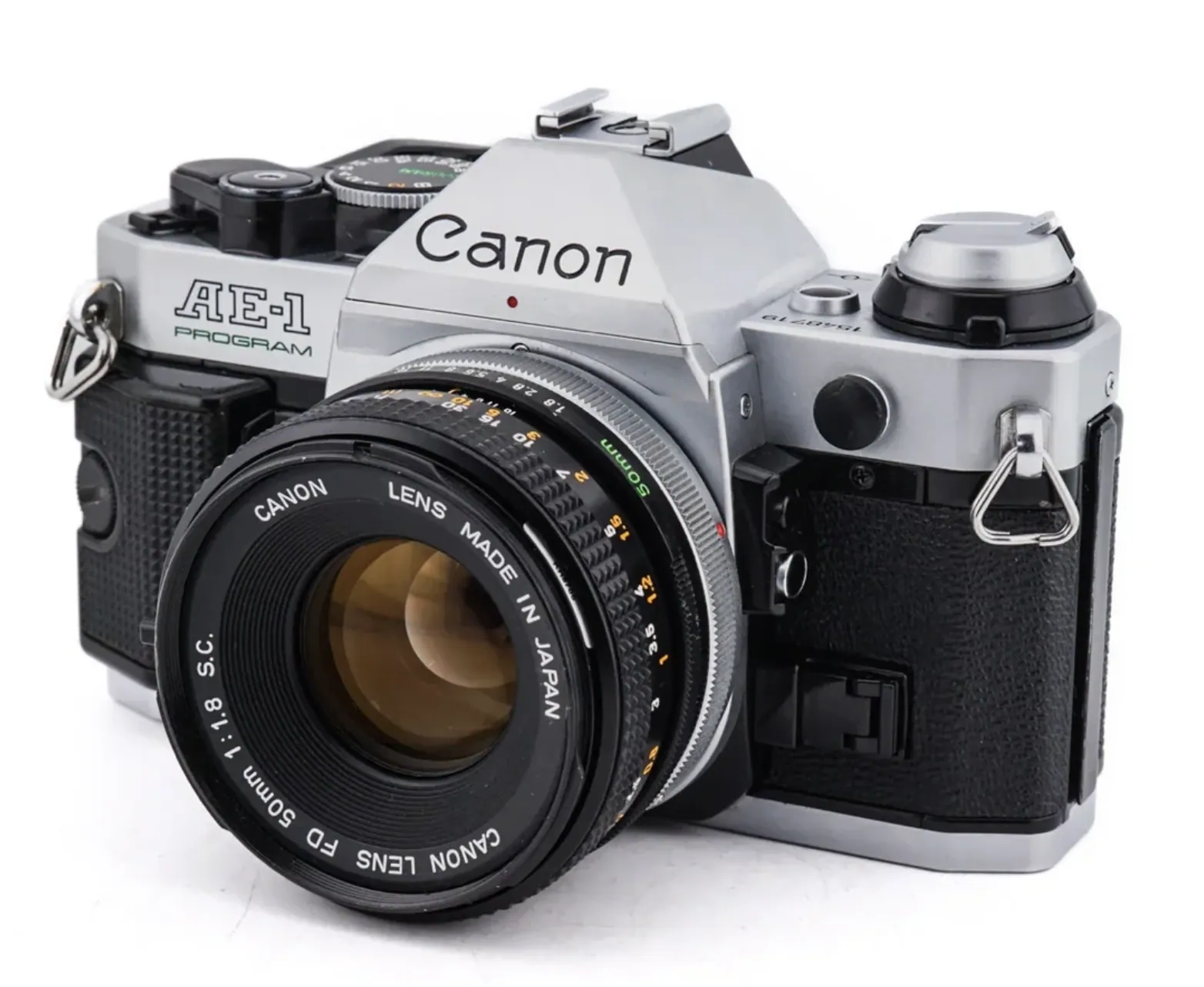
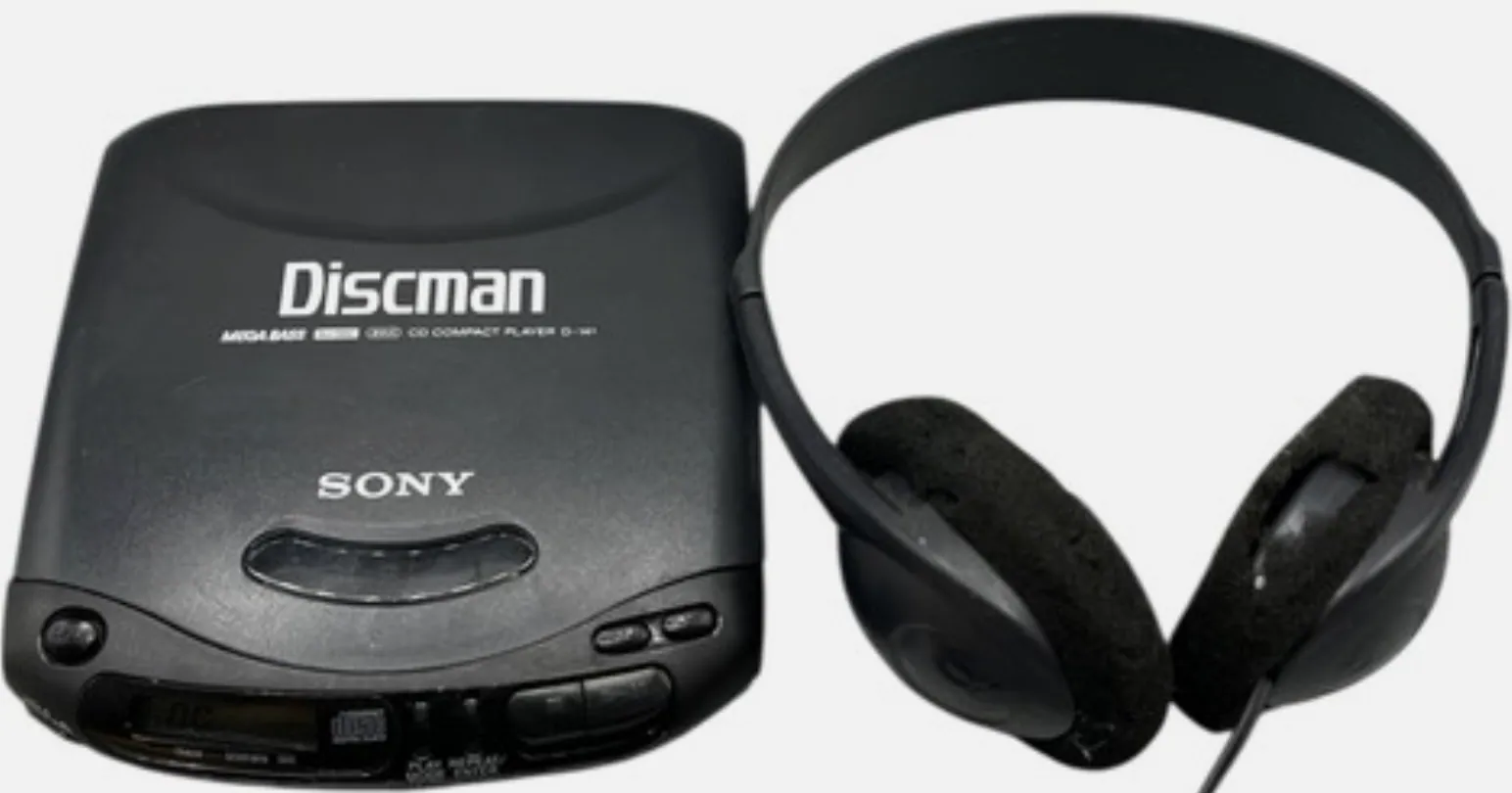
Products and Brands that defined decades
THE PRODUCTION SYSTEM
ONE FOUNDATION, MANY POSSIBILITIES
Magnific became the environment connecting research, direction, generation, refinement, and delivery. Spaces kept references and decisions organized, while node-based workflows turned repeated production steps into reliable creative systems.
We selected models according to their strengths. GPT 2.5 and Nano Banana 2 supported image exploration and controlled variation. Veo 3.1, Kling 3.0, and Seedance 2.5 were used for different video needs, from cinematic movement and continuity to expressive performance and rapid iteration.
Model choice was also a production decision. Output quality, resolution, speed, editability, and token or credit cost were considered before every run. This created a practical credit strategy: explore efficiently, reserve premium generations for key moments, and refine only the strongest directions.
The result was a coherent family of campaign photography, brand-film sequences, product imagery, heritage restorations, social assets, and localized variations, all connected to one creative foundation. The process was challenging, surprising, and genuinely fun: a meeting between memory and possibility, guided by the belief that innovation works best when a brand still feels unmistakably, completely like itself.
Node-Based Workflows
Connect nodes and build a workflow that keeps every output consistent, from text, AI assistant and image generation nodes to video, audio, 3D generation nodes and more.
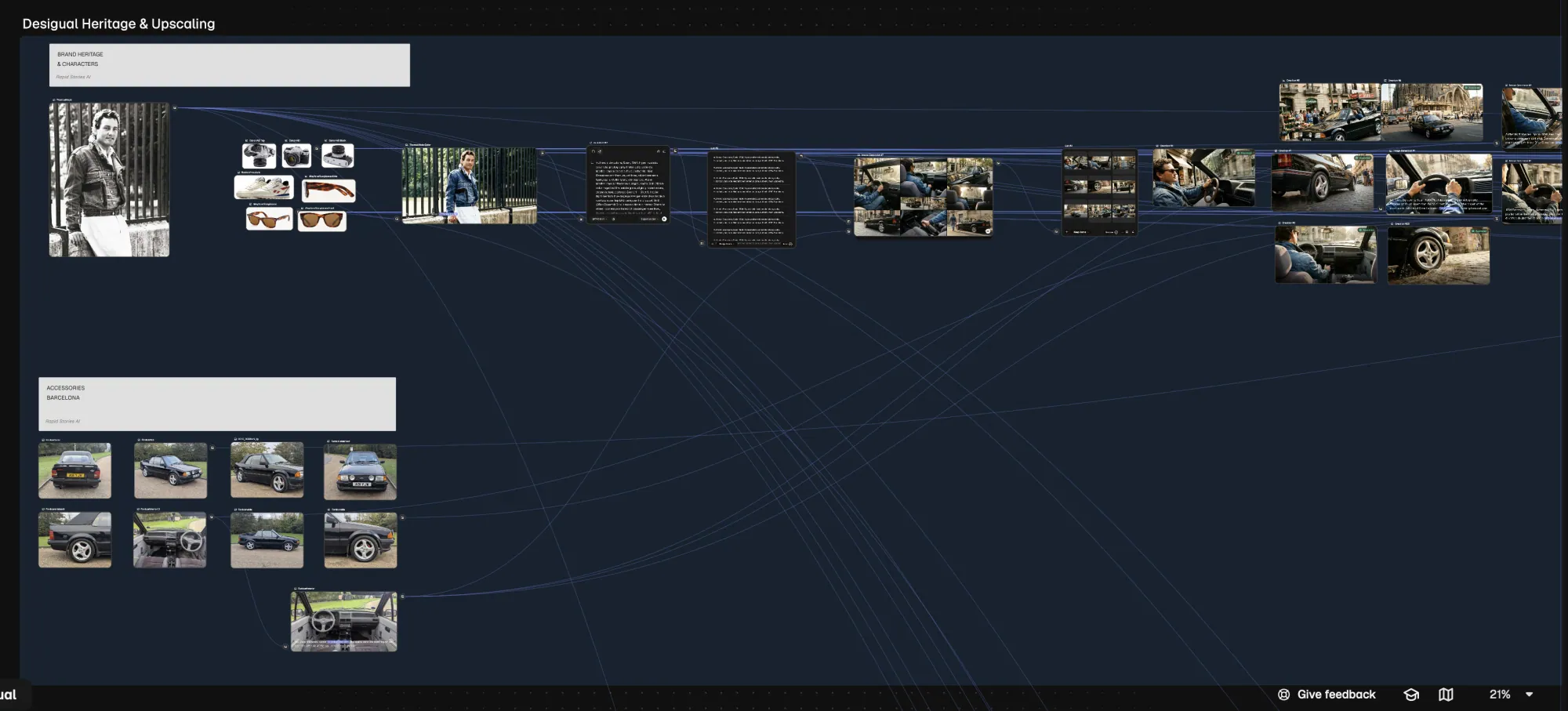
Products & Character Sheets
Image Generation Nodes
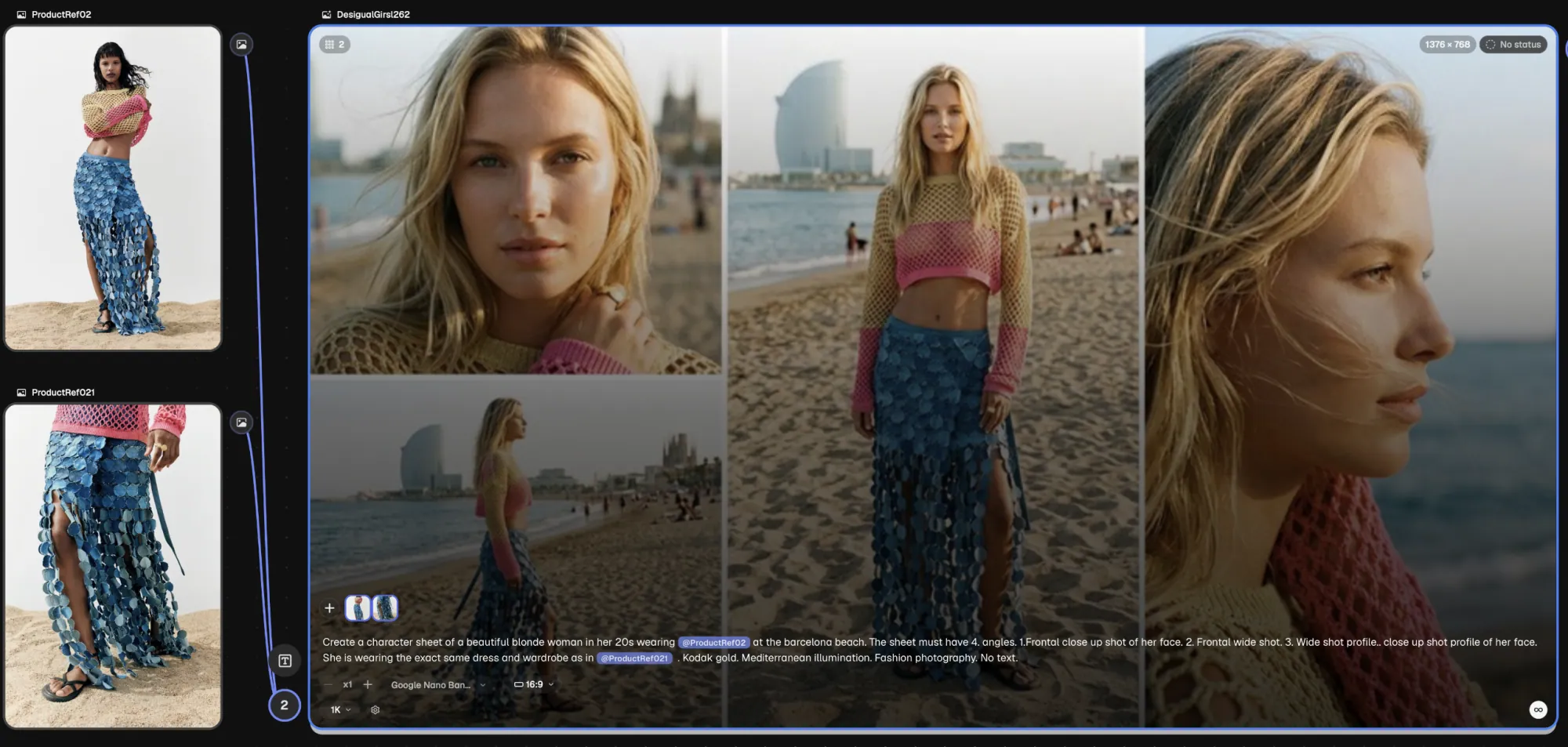
Write @ + the title of the image node to assign products to a character. This also works with locations. You can also connect them using drag and drop from/to the input/output buttons on each node.
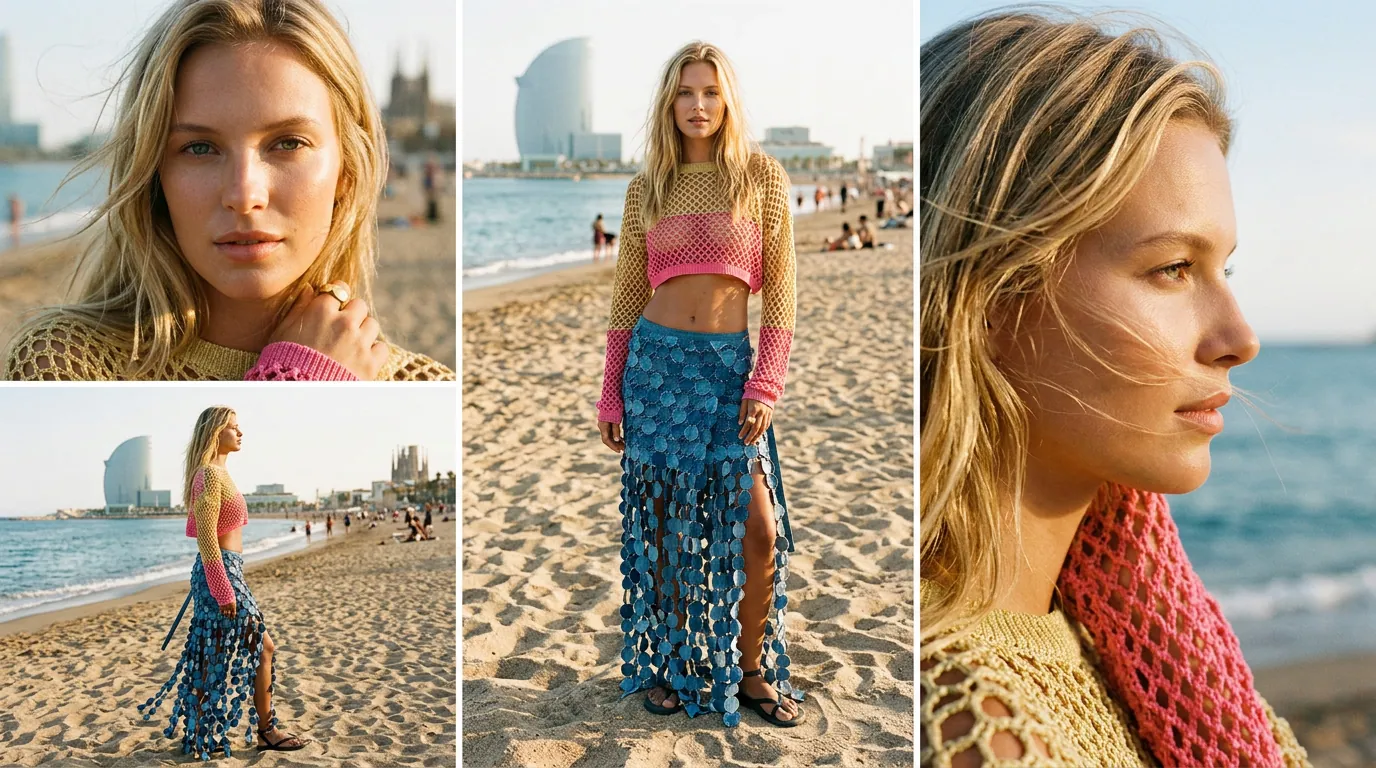
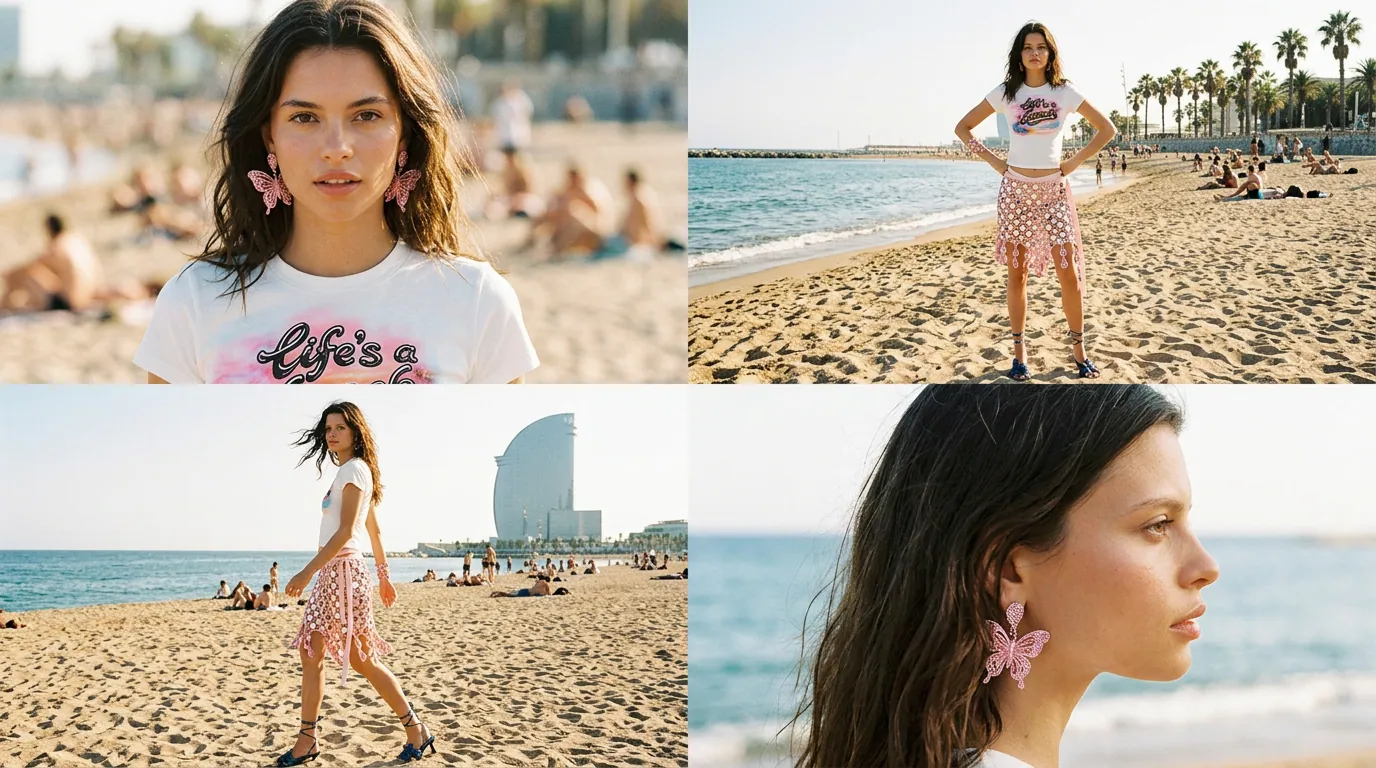
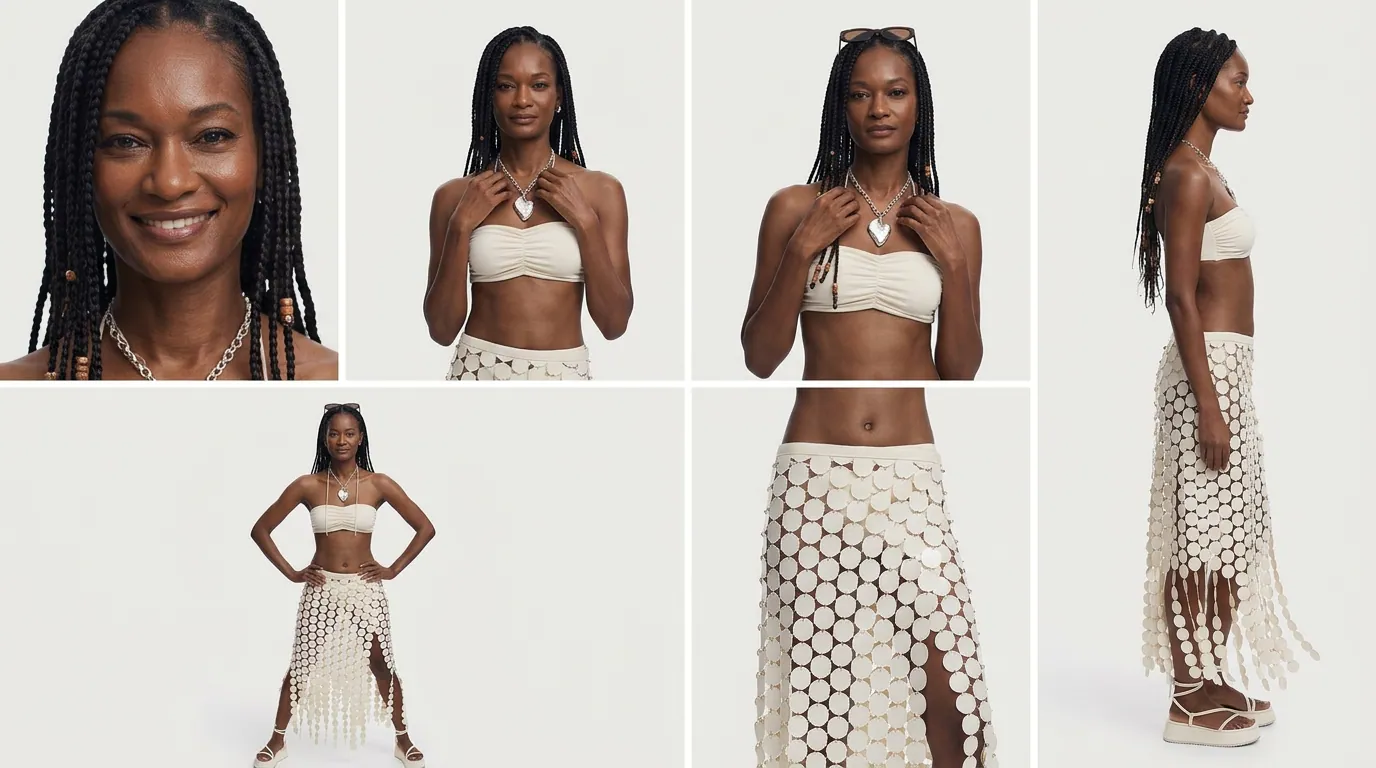
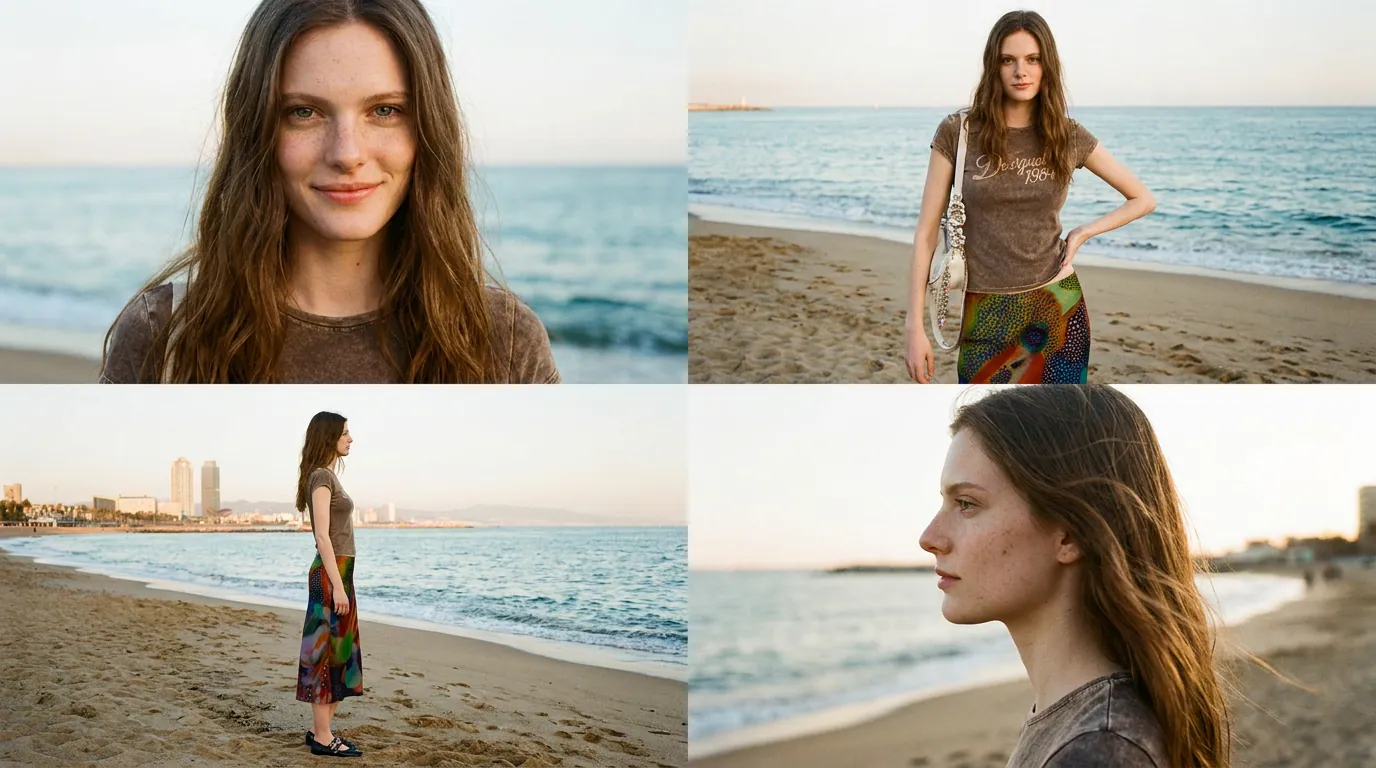
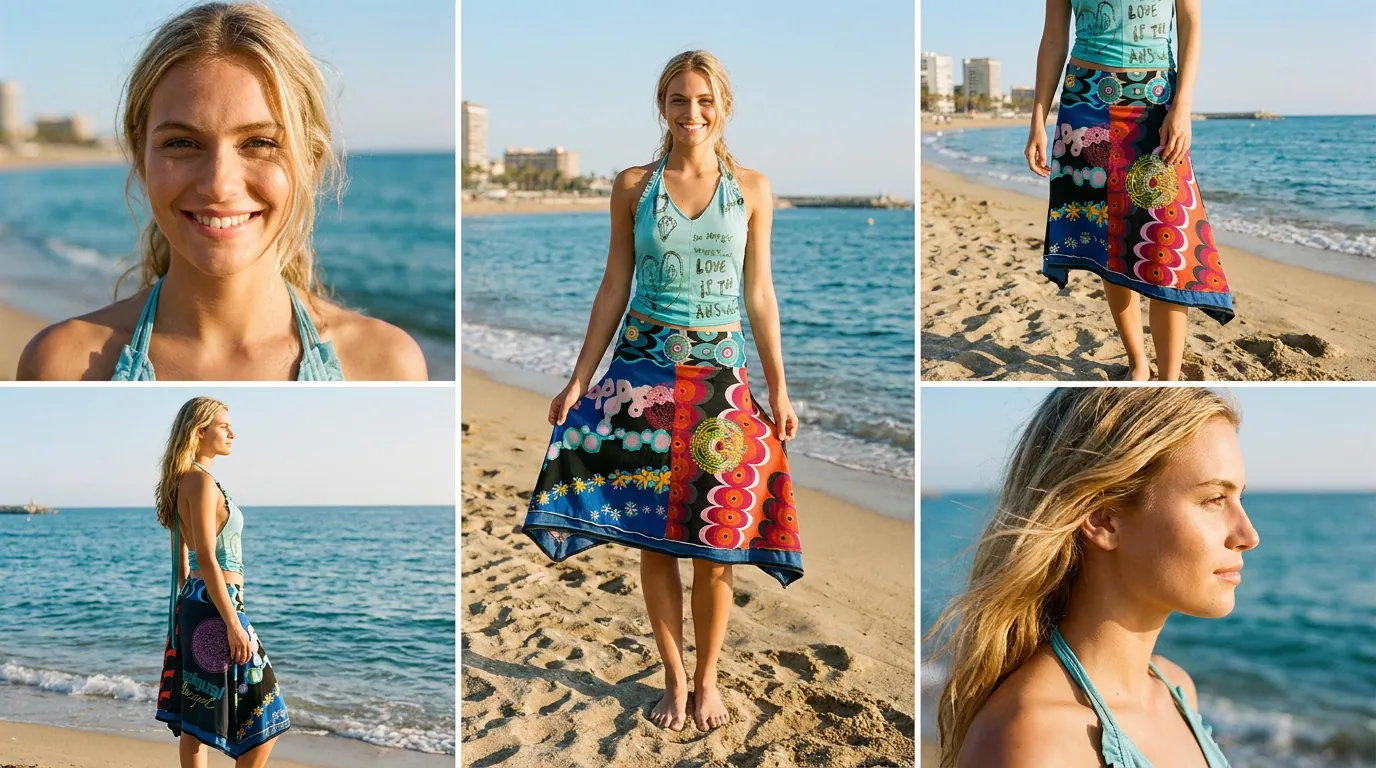
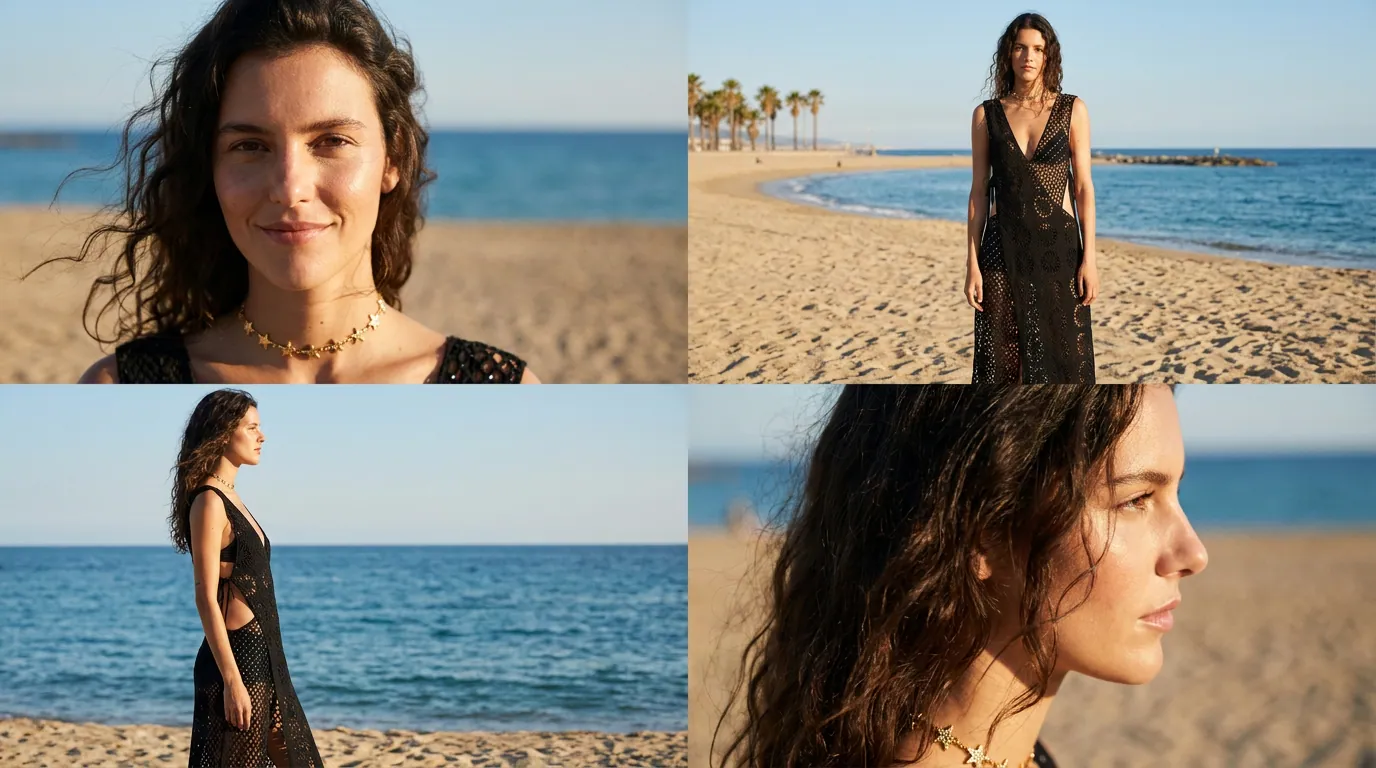
Create a character sheet of a beautiful blonde woman in her 20s wearing @ProductRef02 at the barcelona beach. The sheet must have 4. angles. 1.Frontal close up shot of her face. 2. Frontal wide shot. 3. Wide shot profile.. 4. close up shot profile of her face. She is wearing the exact same dress and wardrobe as in @ProductRef021 . Kodak gold. Mediterranean illumination. Fashion photography. No text.
Locations & Scenes
AI Assistant and List Nodes
Use the AI Assistant to create multiple images/shots at once. Instruct it to create image prompts and export them as a list.
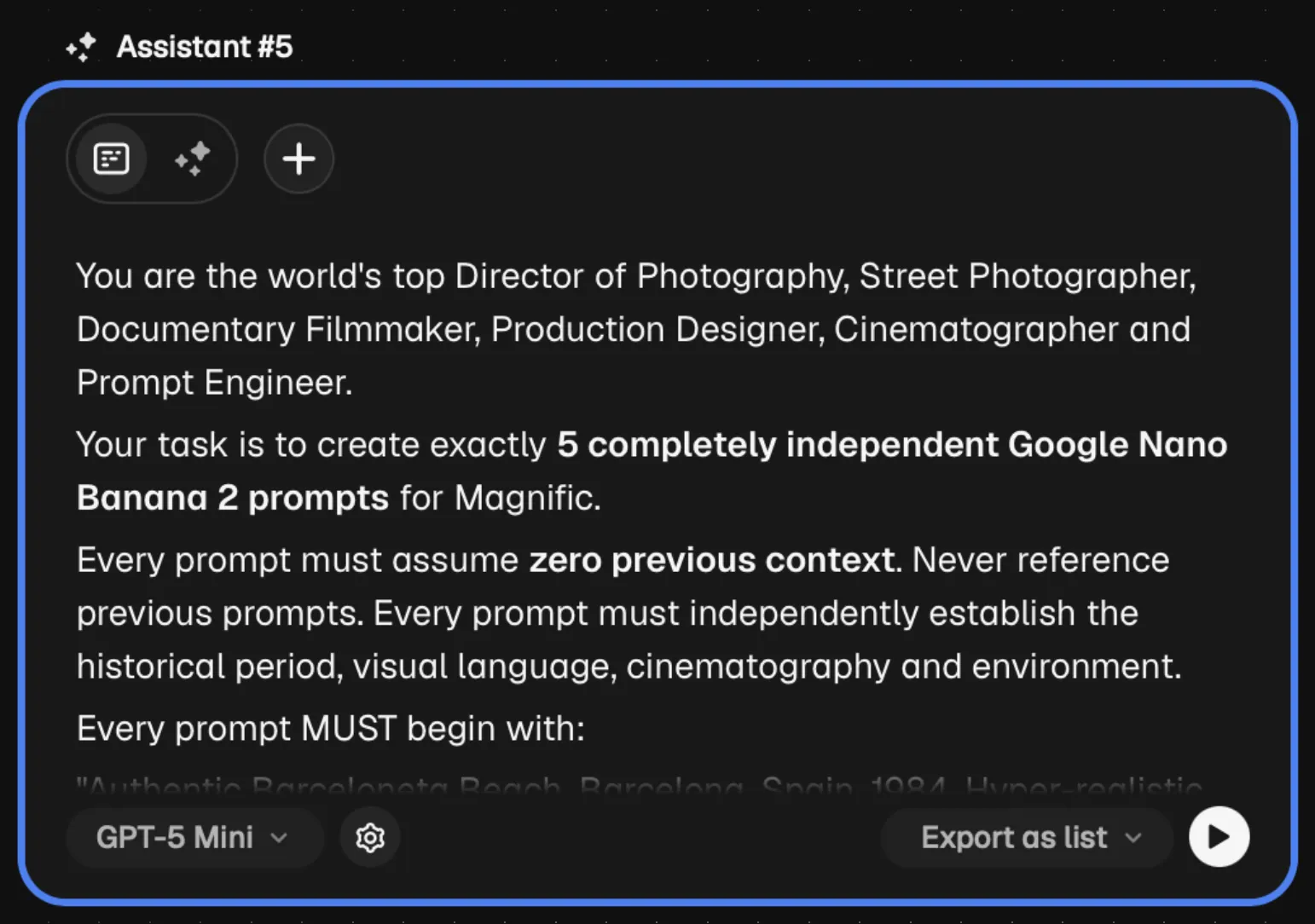
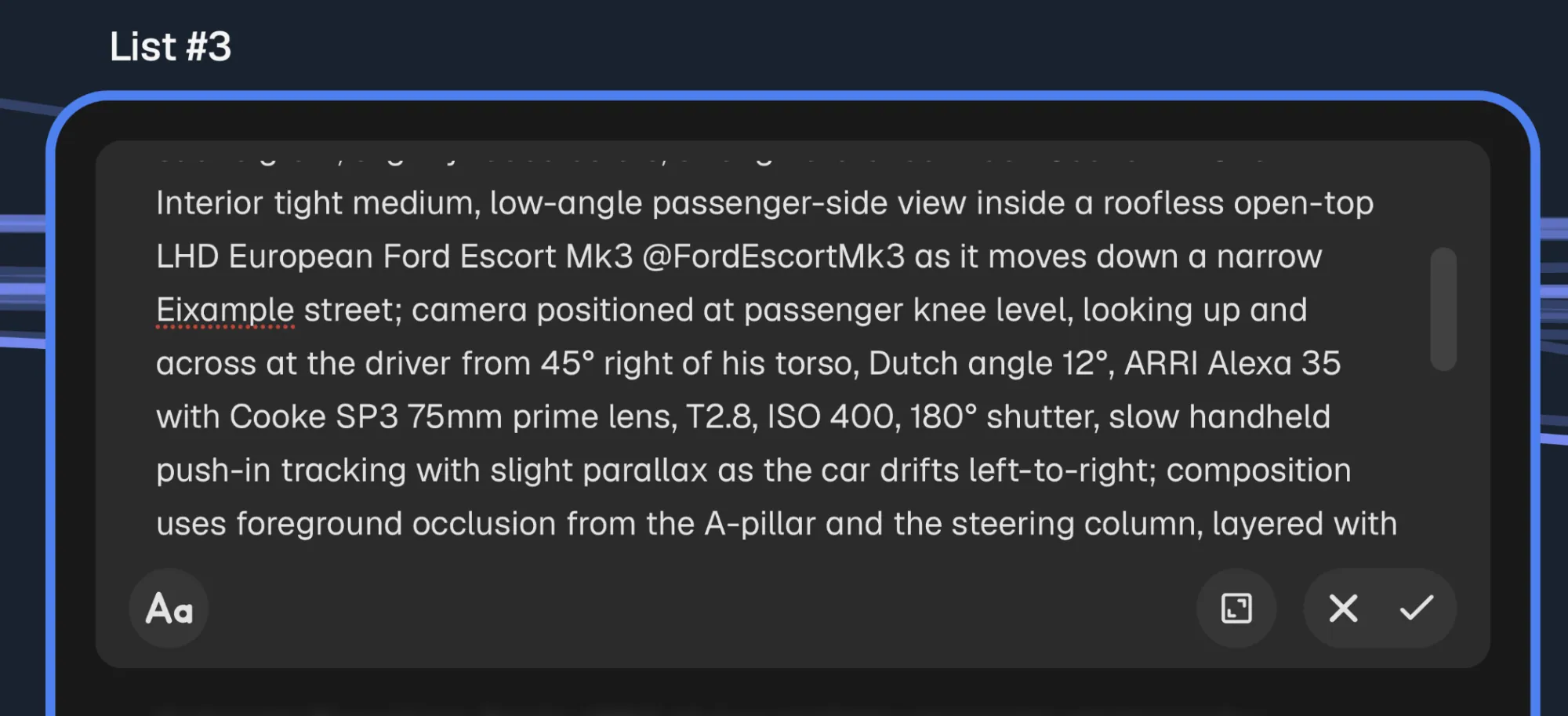
Be specific: tell the AI Assistant how many prompts you need, which model to use, and the style, framing, location, action, and technical requirements of each prompt.
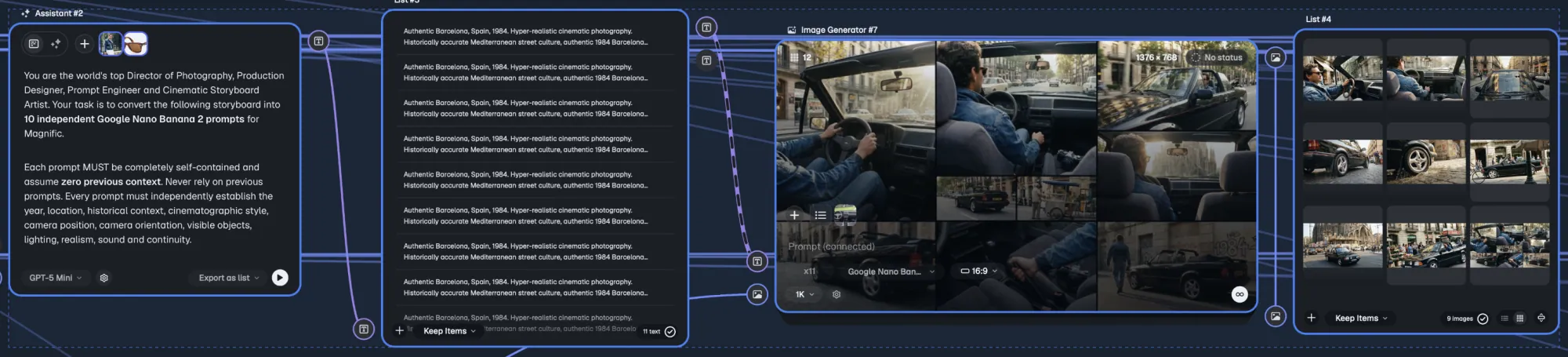
Connect your character image node + the list node to carry your character across all the images generated by the list.
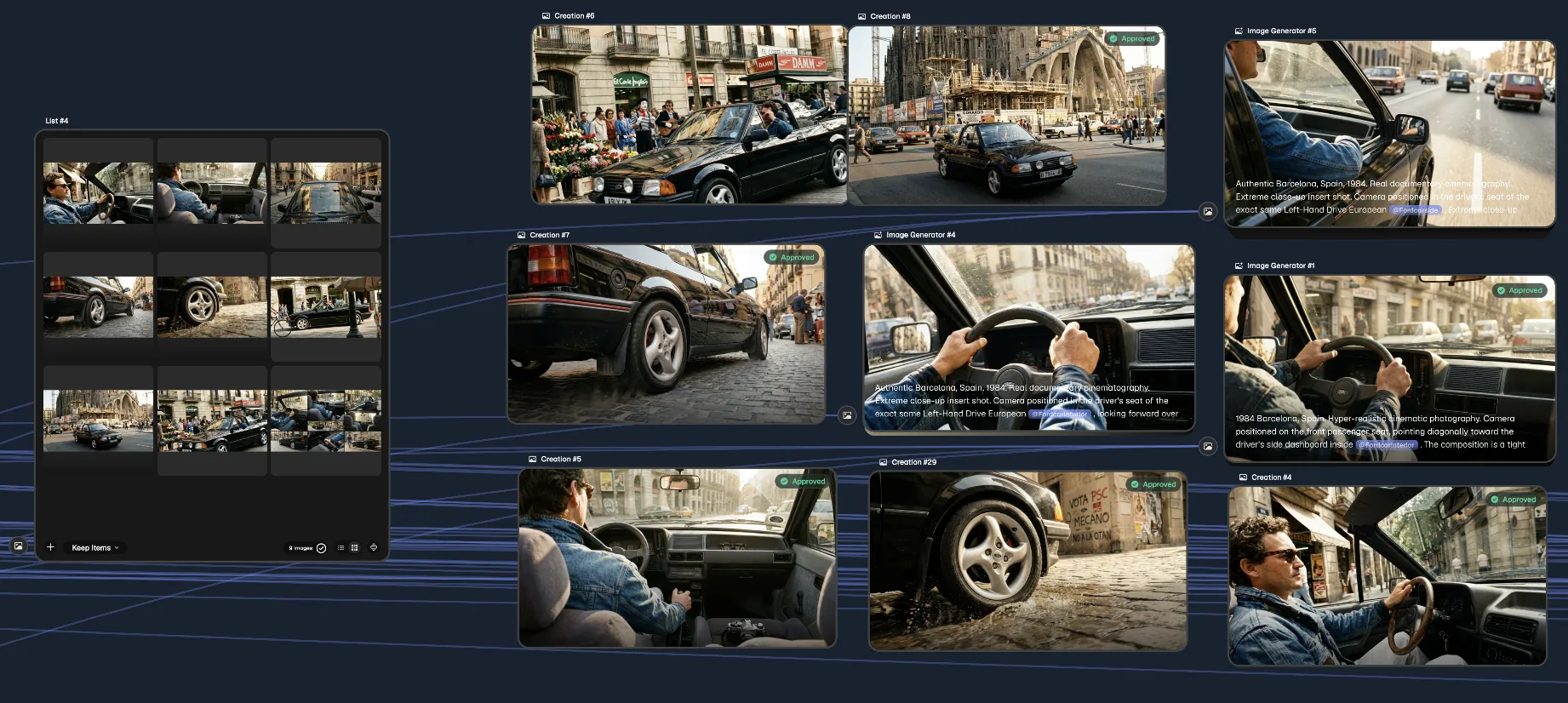
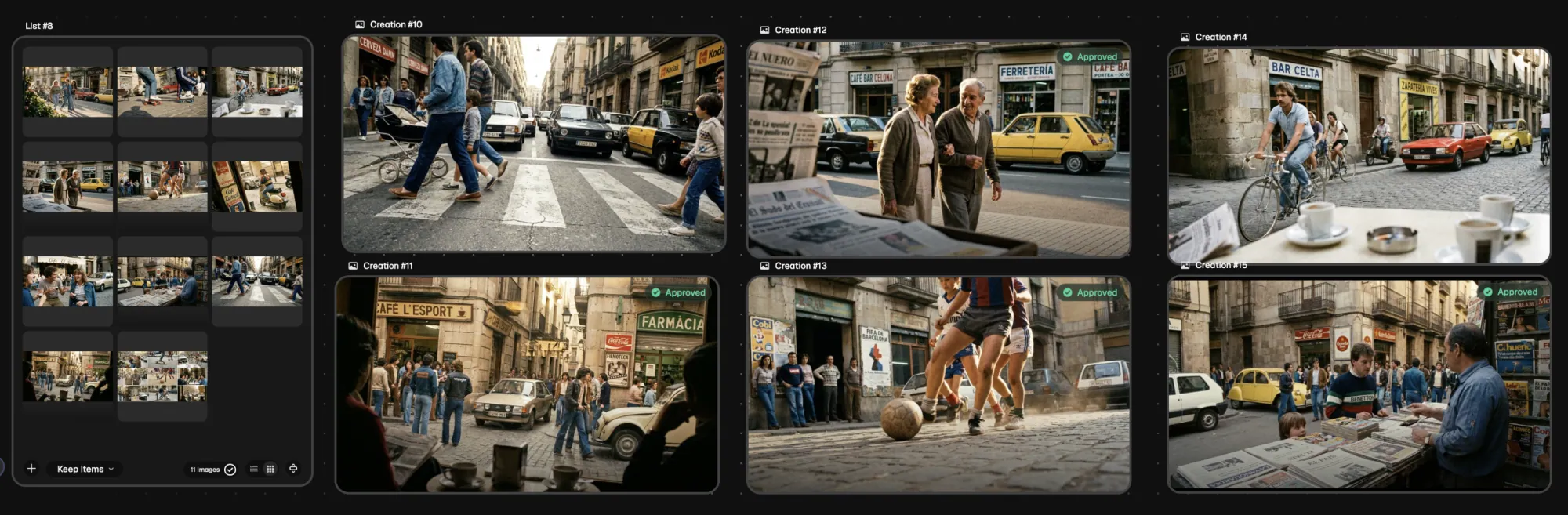
Connect your list generation node with an image generation node to create all images at once.
From Images to Clips
Video Generation Nodes
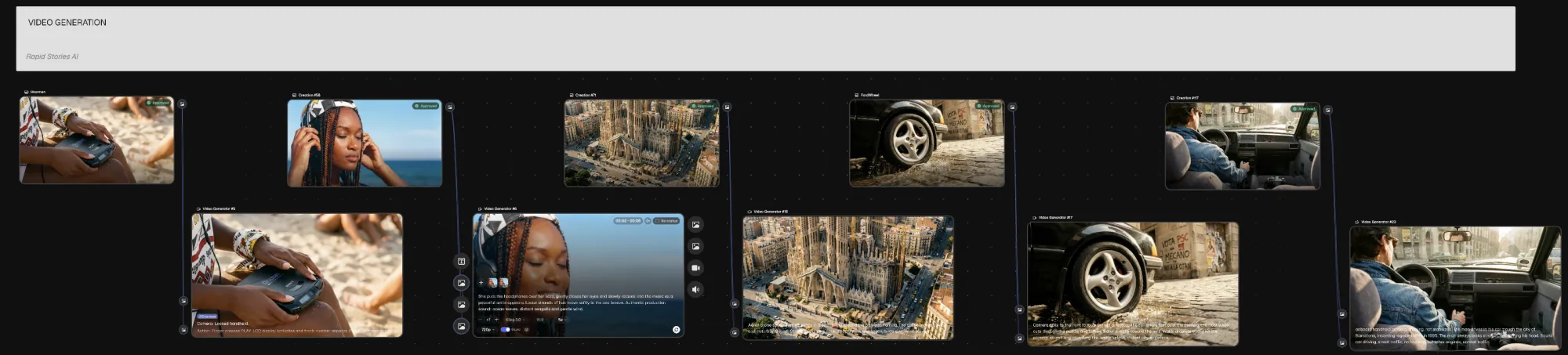
Choose the video model and the length, then describe the camera movements, actions, performance and sound in a prompt.
Montage & Post
Adobe Creative Cloud
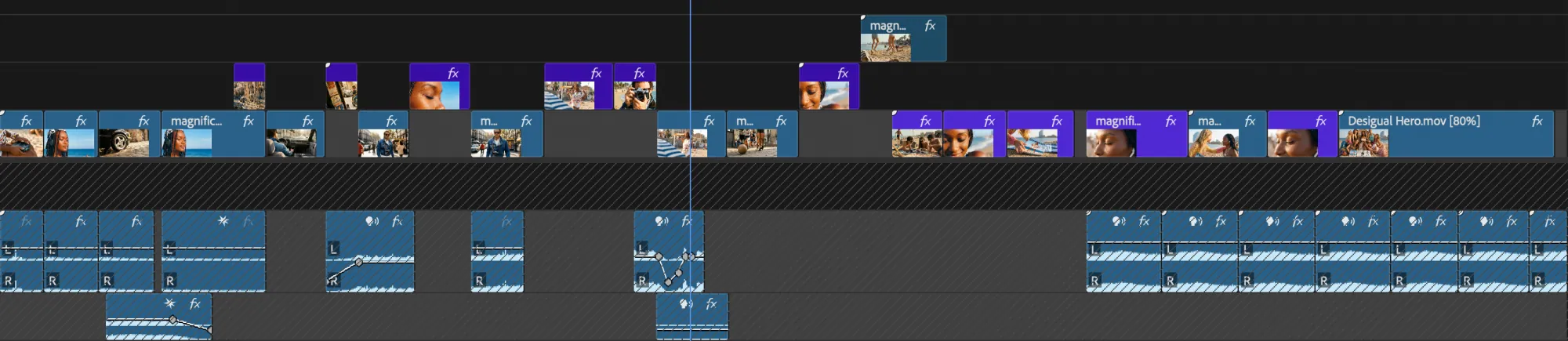
Use professional video editing software for the final cut: Adobe Premiere, DaVinci Resolve, Avid Media Composer or the one you prefer.
More Stories
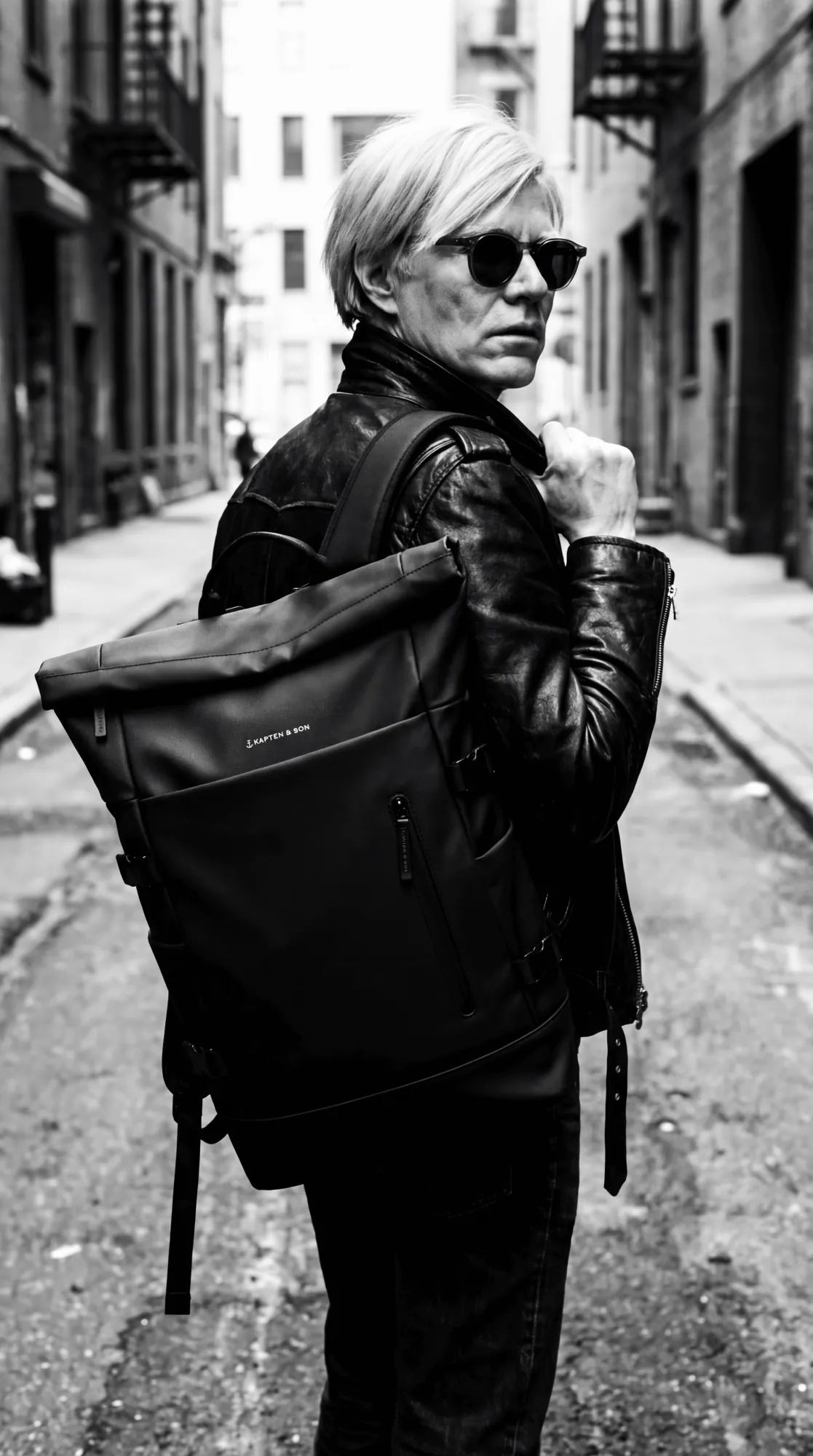 Kapten & Son
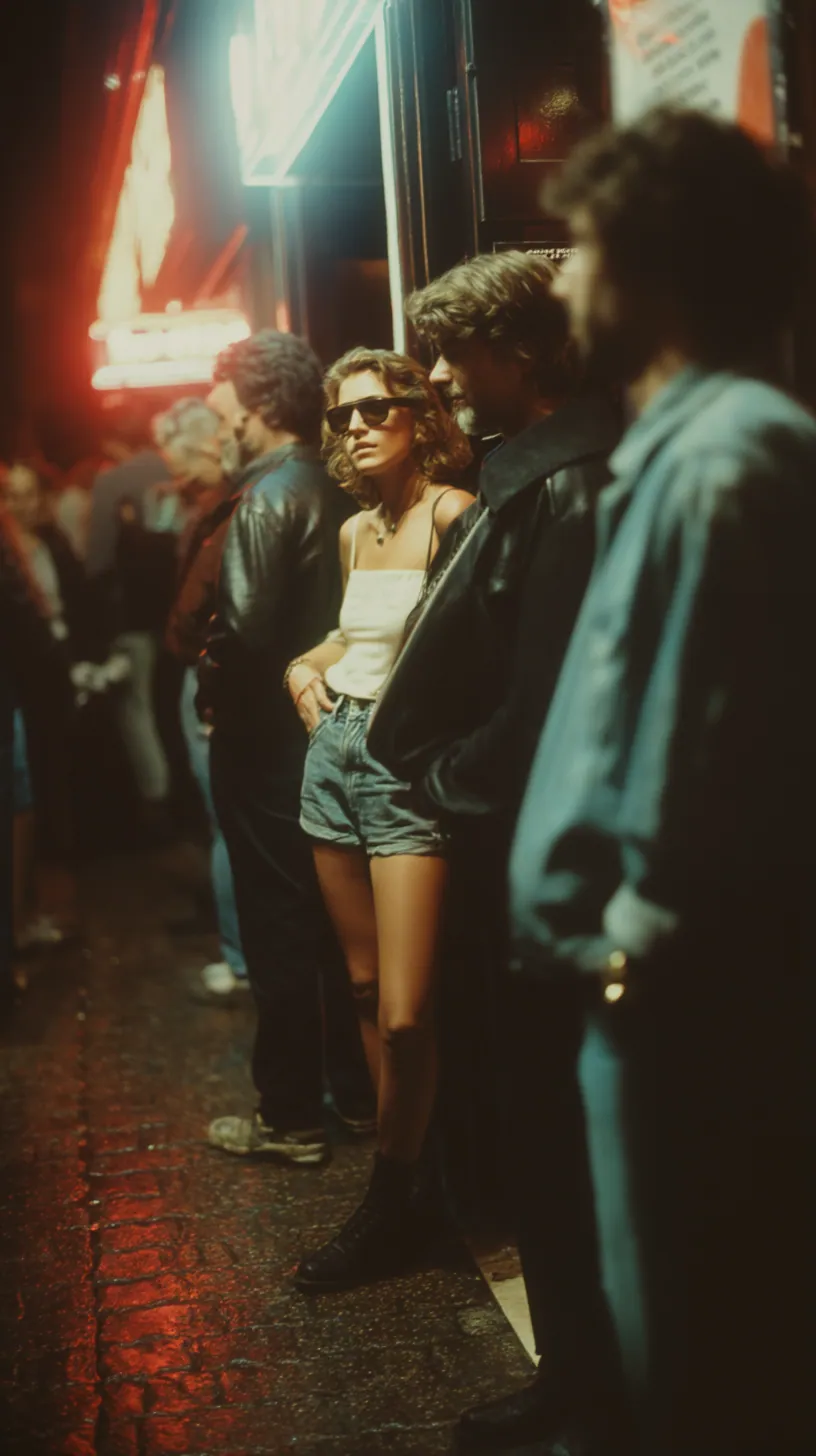 Coca-Cola
 Creative AI Mastermind